

Bluetooth Speaker TWS Pairing: A Sample Acceptance Test
Time : Nov 19, 2026 View : 9
A TWS pairing test should show more than two speakers connecting once. Buyers need to know whether the pair forms in the intended sequence, reproduces left and right channels correctly and reconnects after normal interruptions. A test based on the exact sample model, firmware and phone provides an actionable acceptance result. It also helps the supplier reproduce a failure instead of receiving only a vague report that Bluetooth is unreliable.
What Should a TWS Pairing Test Prove?
Define the intended user experience before testing. Should the speakers connect to each other automatically, which unit is primary, and how does the phone identify the pair? Confirm the operating instructions for the selected model. A display or app feature may be separate from the audio pairing process, so keep those checks distinct.
Write pass conditions in observable terms: both units indicate a pair, music plays through the expected channels, volume commands work and a power cycle restores the connection within the agreed behavior. Avoid inventing a universal pairing-time limit. Use a limit from the product specification or agree one for the order.
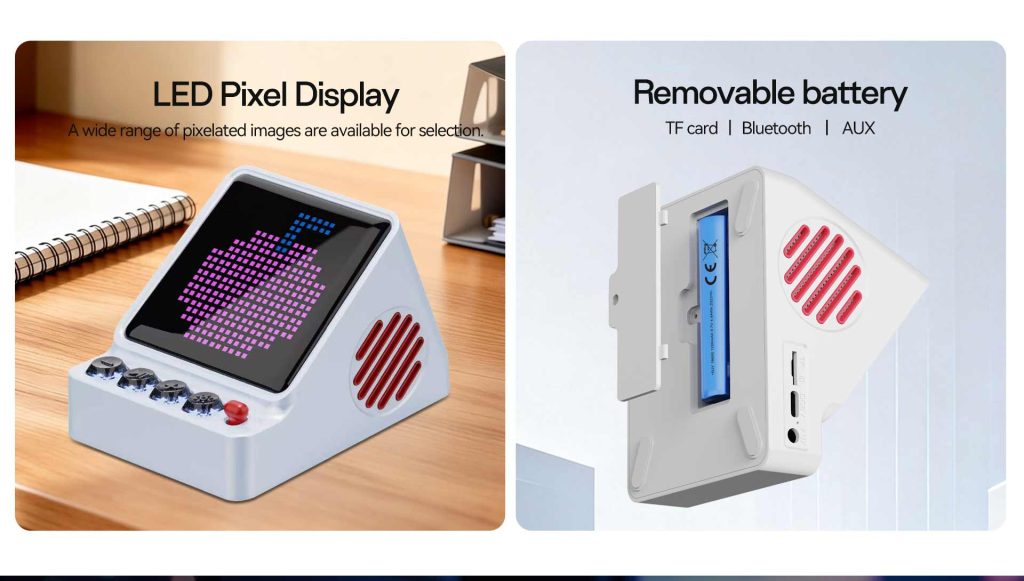
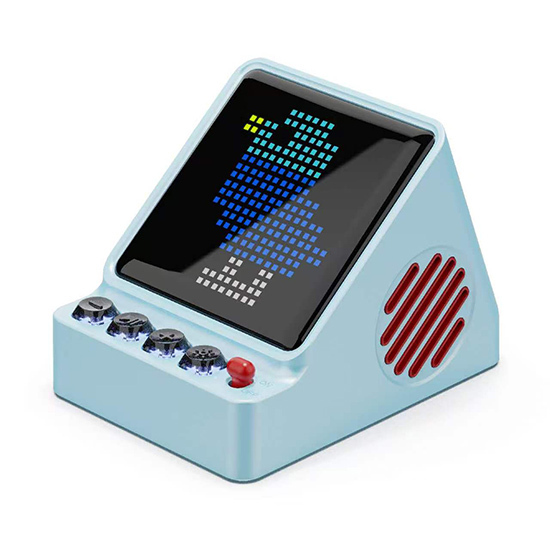
Explore our HZ-B405 TWS speaker if your product brief calls for a DIY pixel-art LED display and app control.
Which Setup Variables Need to Be Controlled?
Record the speaker model and serial or sample IDs, firmware if available, phone model, operating system, Bluetooth state, charge level and distance. Keep other paired devices out of the trial area or document them. Clear previous pairings only when the approved first-use procedure requires it.
Test identical samples if the product requires matching units; do not assume a different speaker in the range will support the same protocol. Use the same audio file and phone volume for every run. If app control is part of the order, record app version separately and check whether a failure happens before or after the app connects.
Our HZ-B313 speaker offers another model to consider when comparing designs for your product lineup.
How Should Pairing and Reconnect Be Tested?
Run a new-pair sequence from the instructions and note each indicator state. Play a test track with clearly separated left and right content, then check both speakers and the phone’s device list. Next, turn one speaker off and on, move the phone briefly out of range, and restart both speakers. Observe whether the pair and source connection recover as specified.
Repeat the sequence several times rather than accepting one lucky result. Log each run, not just the final result. If pairing fails, capture the exact step, button sequence, indicator behavior and whether a reset helped. A short video can be useful, but the written setup and reproduction steps remain essential.
How Should Failures Be Reported to the Supplier?
Summarize failures by type: speaker-to-speaker pairing, phone connection, channel assignment, reconnect or app interaction. Record how often the issue occurred under the controlled setup. Do not label a product defective because a crowded radio environment produced one interruption; repeat in a known test area and document the difference.
Send the supplier sample IDs, setup sheet and failed sequence. Ask for a proposed correction and retest the same sequence after firmware or hardware changes. The acceptance record should state the model and version approved, preventing a later change from being treated as the same tested configuration.
For a portable Bluetooth option, take a look at our HZ-B396 speaker.
For a sample approval, place two identified speakers and one phone on a test table. Start from the prescribed unpaired state, connect the speakers in the instruction sequence and confirm that a left-channel test is heard on the intended side. Turn the primary speaker off, then on, and record whether the pair and phone connection return in the expected order. Repeat after the phone has briefly connected to another device. If a failure occurs only on the third cycle, the record should include that cycle and indicator behavior. The supplier can then repeat precisely the same steps with the same firmware. After any software correction, retest first pairing as well as the failure sequence. A simple pass/fail box for ‘Bluetooth works’ would miss the recovery behavior that users will notice.
Use a single observation sheet for this trial. Its core fields are speaker IDs, firmware, phone and app version, starting state, button sequence, channel result, reconnect result and failure reproduction step. The person making the observation should record the condition at the time, not reconstruct it from memory after the event. If a value is unavailable or a check could not be run, mark that field as pending and identify who will close it. Attach photographs or instrument files by their IDs, and retain the original version when a corrective action leads to a retest. This keeps the final decision auditable without turning the working checklist into a long narrative.
FAQ
Does TWS Pairing Require Identical Speaker Models?
Use the pairing combinations listed for the exact model. Similar-looking models may use different protocols, so do not assume cross-model support.
Should Both Speakers Be Fully Charged?
Start with the same stated charge condition for both units. Low charge can confound the result and should be logged if it occurs during use.
Can Bluetooth Interference Cause a False Failure?
Yes. Repeat in a controlled area and in a representative use area. Document surrounding devices so the supplier can evaluate the cause.
Is a Successful First Pair Enough for Acceptance?
No. Reconnect, channel assignment and recovery after interruptions are also part of a useful customer experience.
What Should You Send for a Project Review?
Send the model, sample IDs, firmware, phone and app versions, intended pairing flow and failed-run records. Agree the sequence and pass conditions before sample approval. After a correction, rerun the original failing steps as well as a normal first-pair trial. Keep the signed version record with the purchase specification.
Share your target market, required features and expected order quantity with our team to discuss a suitable model and configuration.


